
Divit Auluck dies in Jalandhar Accident: How iPhone crash detection alerted his family?
Apple's iPhone Crash Detection feature reportedly alerted Divit Auluck's family after the fatal Jalandhar accident. Understand its safety features, emergency contact settings and how automatic alerts work during severe car crashes.


Divit Auluck dies in Jalandhar Accident: How iPhone crash detection alerted his family?
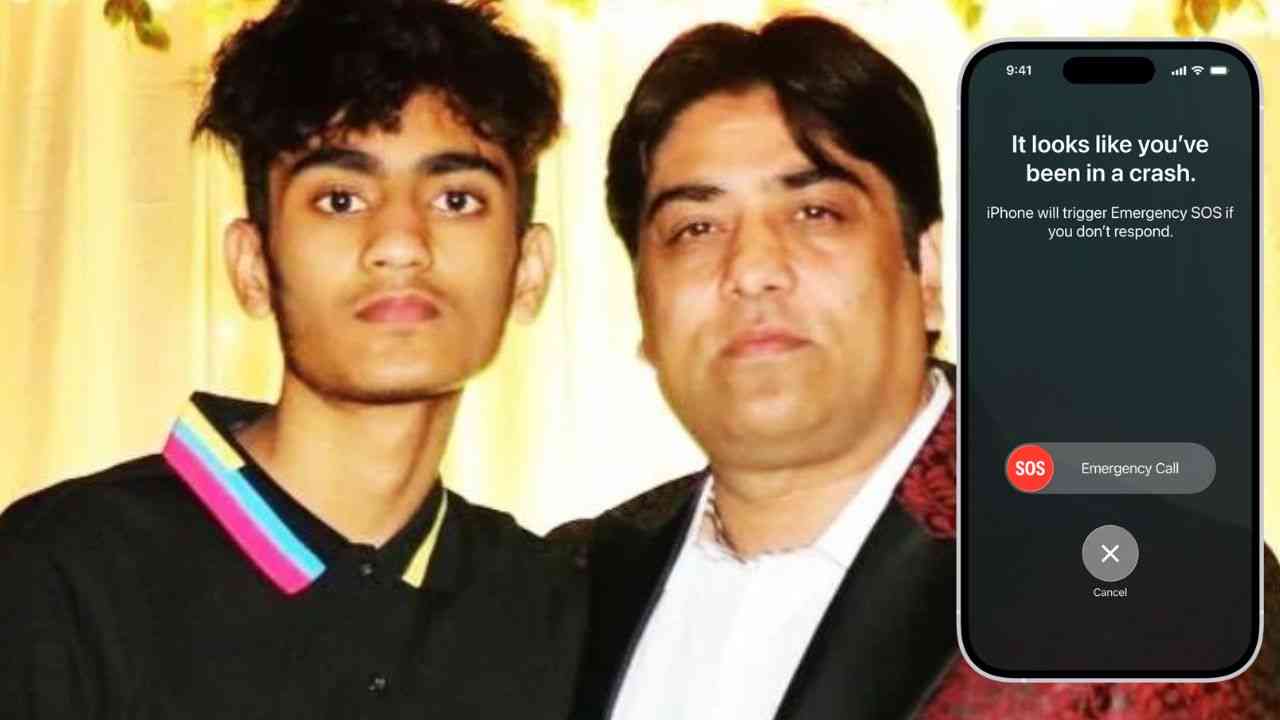
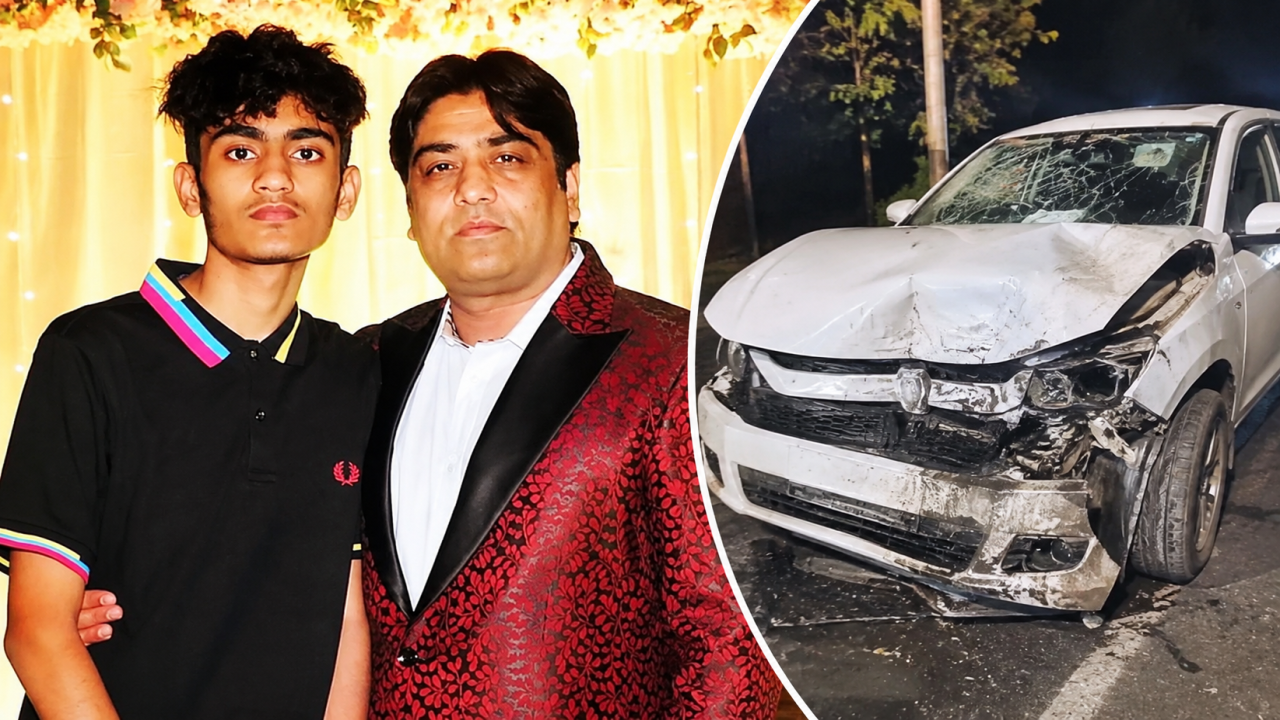
The tragic death of 18-year-old Divit Auluck, son of Speed Records owner Dinesh Auluck and nephew of rapper Yo Yo Honey Singh, has left the Punjabi music industry in deep shock. Divit lost his life along with his friend Aarav Talwar, 19, in a road accident on a flyover near Police Lines in Jalandhar in the early hours of November 1, 2026. Their Volkswagen car reportedly collided with a parked Municipal Corporation tractor-trolley around 3 am. Divit's Antim Sanskar will be held on November 3 at 1 pm at the Model Town Cremation Ground in Jalandhar.
Punjabi Music Fraternity Mourns Divit's Untimely Death
Messages of condolence and emotional tributes have poured in from across the Punjabi music fraternity. Honey Singh expressed his heartbreak through an Instagram story, writing, "It's a dark decade for me. Loss of my nephew is devastating. Bholenath mehr mehr."
Singer Jazzy B also shared a photograph with Honey Singh and Divit, remembering him with the words, "No words can describe how I'm feeling right now. Sada puttar Divit."
Several well-known personalities, including singer Gippy Grewal, actor Beenu Dhillon and actress Shehnaaz Gill, visited Dinesh Auluck's residence in Jalandhar to offer their condolences. Beenu Dhillon expressed sympathy for the family, saying that losing a young son is an unimaginable pain for any father.
Dinesh Auluck, Managing Director of Speed Records, has played an important role in taking Punjabi music to a global audience and supporting the careers of several prominent singers. Divit's sudden death has therefore left not only his family but also the wider music community grieving.
How an iPhone Setting Helped Alert Divit's Family?
Amid the heartbreaking news, one detail has caught everyone's attention: Apple's Crash Detection feature reportedly helped Divit's family learn about the accident.
According to a reports, Divit had Crash Detection enabled on his iPhone and had saved his mother's number as an emergency contact. Following the severe collision, the phone reportedly detected the crash and automatically sent an emergency alert with location details to her phone.
The notification reportedly woke his mother, who immediately tried calling Divit. When he did not answer, the family contacted one of his friends, who confirmed the accident and helped them understand where he was being taken.
Although technology could not prevent this heartbreaking loss, the incident highlights how an emergency setting on a smartphone can help alert loved ones when someone is unable to call for help themselves.
What Is Apple's Crash Detection Feature?
Apple's Crash Detection is a built-in safety feature available on iPhone 14 and newer models. It uses sensors and motion data to identify severe car crashes.
When a serious collision is detected, the iPhone displays an alert and starts an emergency countdown. If the user does not respond, the device automatically contacts emergency services. It can also send a message to registered emergency contacts, sharing the user's location and informing them about the crash.
How to Set Up Emergency Contacts on Your iPhone?
Setting up emergency contacts is simple and takes only a few minutes.
- Open the Health app on your iPhone.
- Tap your profile picture in the top-right corner.
- Select Medical ID.
- Tap Edit.
- Scroll down to Emergency Contacts and select Add Emergency Contact.
- Choose a trusted family member or friend from your contact list.
- Select your relationship with that person and tap Done.
How to Check Whether Crash Detection Is Enabled
To check the feature, open Settings, select Emergency SOS, and look for Call After Severe Crash. Make sure it is switched on. The feature is enabled by default on supported iPhone 14 and newer models.
Also, visit Settings, select Privacy & Security, then Location Services and System Services. Make sure Emergency Calls & SOS is enabled to help share location information.
Small Setting That Can Make a Big Difference
Divit's tragic demise is a painful reminder that life can change within seconds. While no technology can replace emergency medical assistance or prevent every tragedy, features such as Crash Detection can help people receive emergency assistance and inform their loved ones when they need help.
As the Punjabi music fraternity mourns the loss of a young life, this incident also reminds everyone to check their smartphone's emergency settings. A few minutes spent setting up emergency contacts could prove important during an unexpected crisis.
- PTC PUNJABI





Popular Posts
-

Rakhi Sawant breaks down into tears during her song launch 'Jhootha'; Watch Video
-

Oscars 2023; When, Where and How? Everything you need to know about this years Academy Awards
-

Diljit Dosanjh praises Parineeti Chopra; says 'film ch kamaal kam kita'
-

Harinder Singh Sidhu: A dose of entertainment with YouTuber-actor-producer Dxx
-

'Kali Jotta': Neeru Bajwa, Satinder Sartaaj's film ticket prices reduces; available at Rs 112